themes
Using Themes
Vivliostyle Theme is a style theme used for creating publications with Vivliostyle. Distributed as npm packages, themes can be applied to your publications simply by specifying them in vivliostyle.config.js.
Installing a Theme
Install the desired theme via npm.
npm install @vivliostyle/theme-techbook
Specifying a Theme
Basic Usage
Set the package name in the theme property of vivliostyle.config.js.
module.exports = {
  theme: '@vivliostyle/theme-techbook',
};
Specifying a Particular CSS File
Some themes provide multiple CSS files. To use a CSS file other than the default, specify specifier and import.
module.exports = {
  theme: {
    specifier: '@vivliostyle/theme-gutenberg',
    import: 'alice.css',
  },
};
Combining Multiple Themes
By passing an array to the theme property, you can combine multiple themes. For example, to change the code block color scheme of a theme:
module.exports = {
  theme: [
    '@vivliostyle/theme-techbook',
    {
      specifier: '@vivliostyle/theme-base',
      import: 'prism/theme-prism',
    },
  ],
};
Customizing with CSS Variables
Each theme exposes configuration values as CSS custom properties (CSS variables). You can adjust the theme’s styles by overriding these variables in a custom CSS file.
CSS Variable Naming Convention
| Prefix | Purpose | Examples |
|---|---|---|
--vs- |
Meta properties affecting the entire document | --vs-font-family, --vs-font-size |
--vs-- |
Styles for basic HTML tags | --vs--heading-line-height, --vs--h1-font-size |
--vs-{module}-- |
Module-specific settings | --vs-footnote--call-content, --vs-toc--ol-indent-size |
--vs-theme-{name}-- |
Theme-specific settings | --vs-theme-techbook--inline-code-color-bg, --vs-theme-slide--cover-page-color-bg |
Customization Example
Create a custom CSS file that overrides the theme’s CSS variables, then add it in vivliostyle.config.js.
custom.css:
:root {
  --vs--anchor-text-color: #e74c3c;
  --vs-theme-techbook--inline-code-color-bg: #fdebd0;
  --vs-page--mbox-top-outside-content: 'My Book Title';
  --vs-page--mbox-bottom-outside-content: counter(page);
}
vivliostyle.config.js:
module.exports = {
  theme: [
    '@vivliostyle/theme-techbook',
    'custom.css',
  ],
};
Refer to each theme’s README for a complete list of available CSS variables.
Official Themes
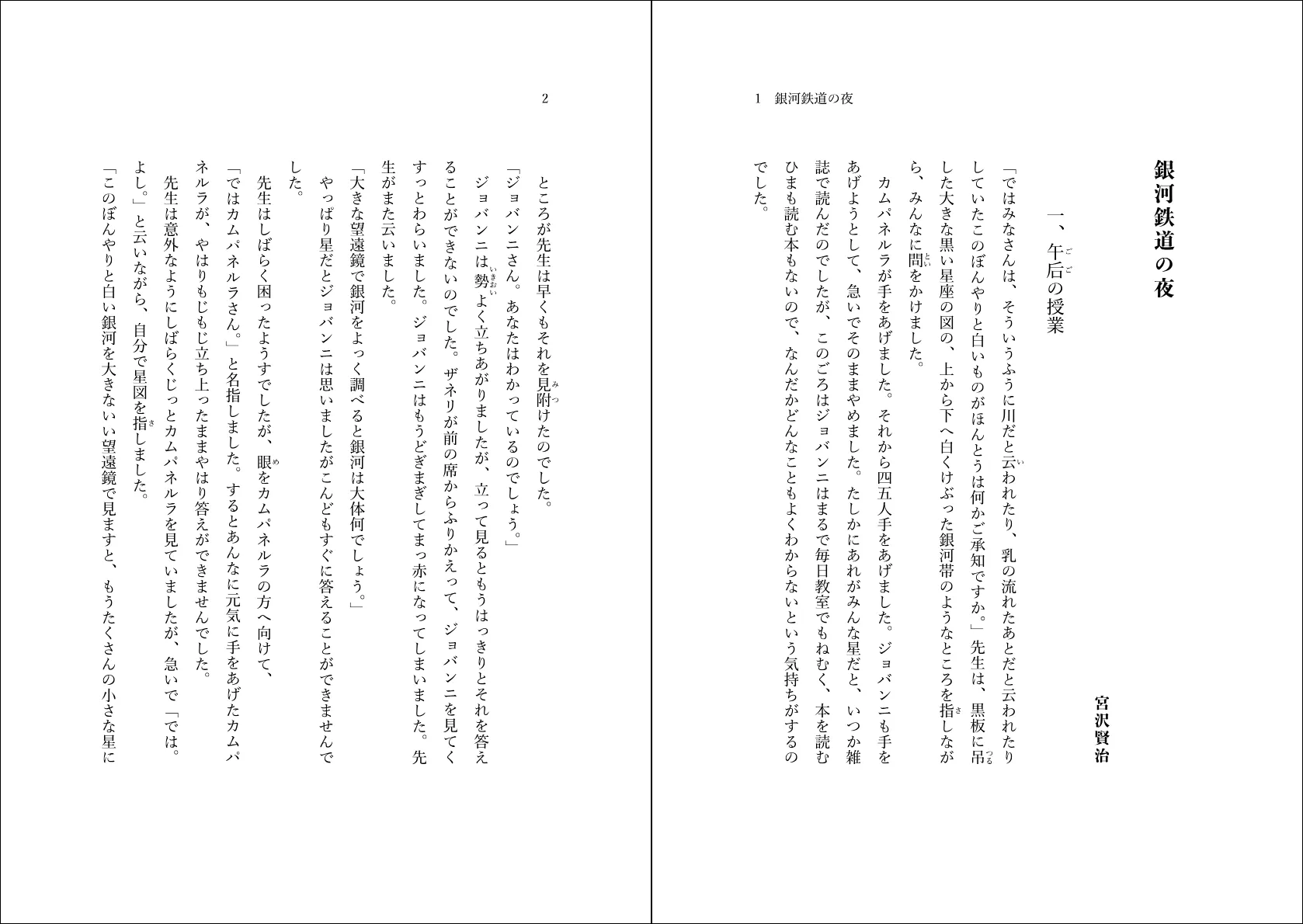
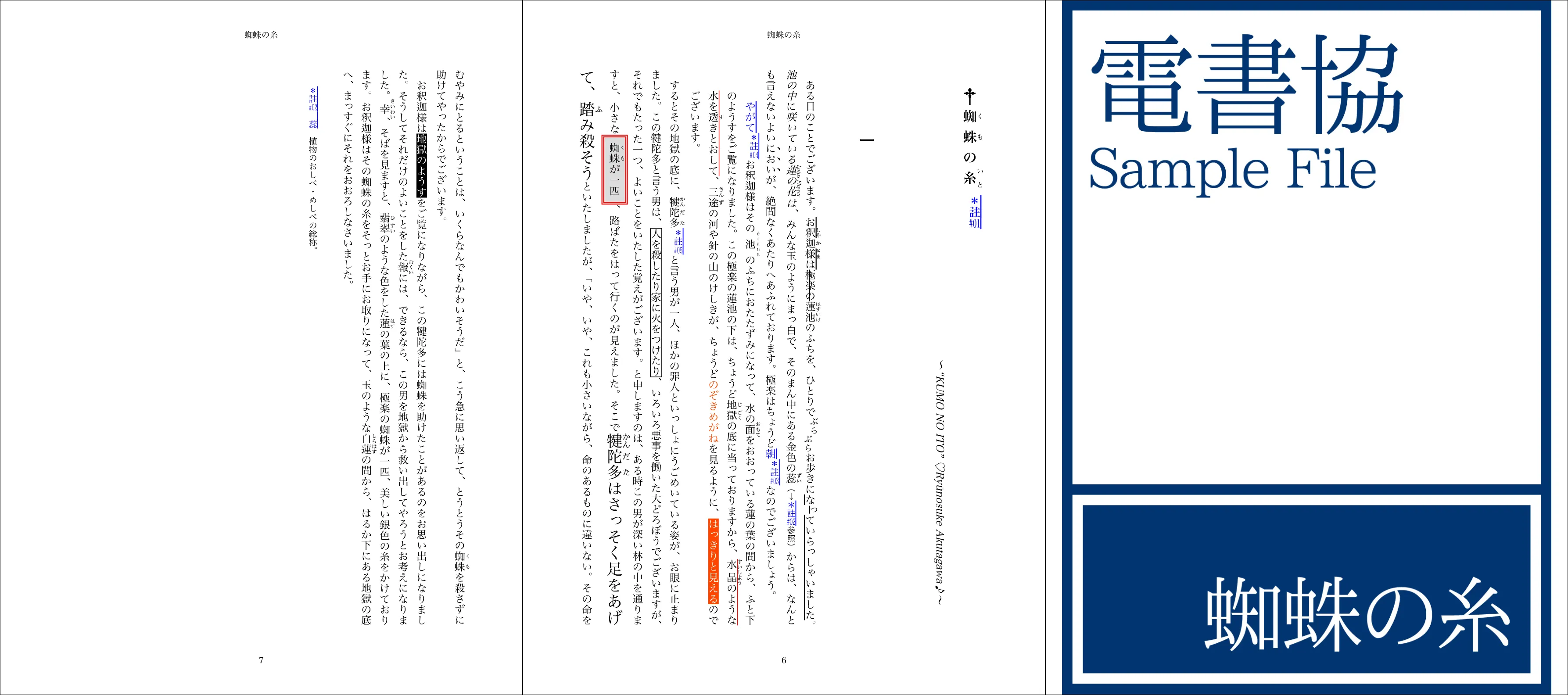
@vivliostyle/theme-bunko
Suitable for Japanese vertical novels (bunko). Supports ruby and horizontal-in-vertical text. Configurable lines/characters per page.
@vivliostyle/theme-slide
Suitable for slide presentations. Supports cover page (.cover) and full-page image layouts.

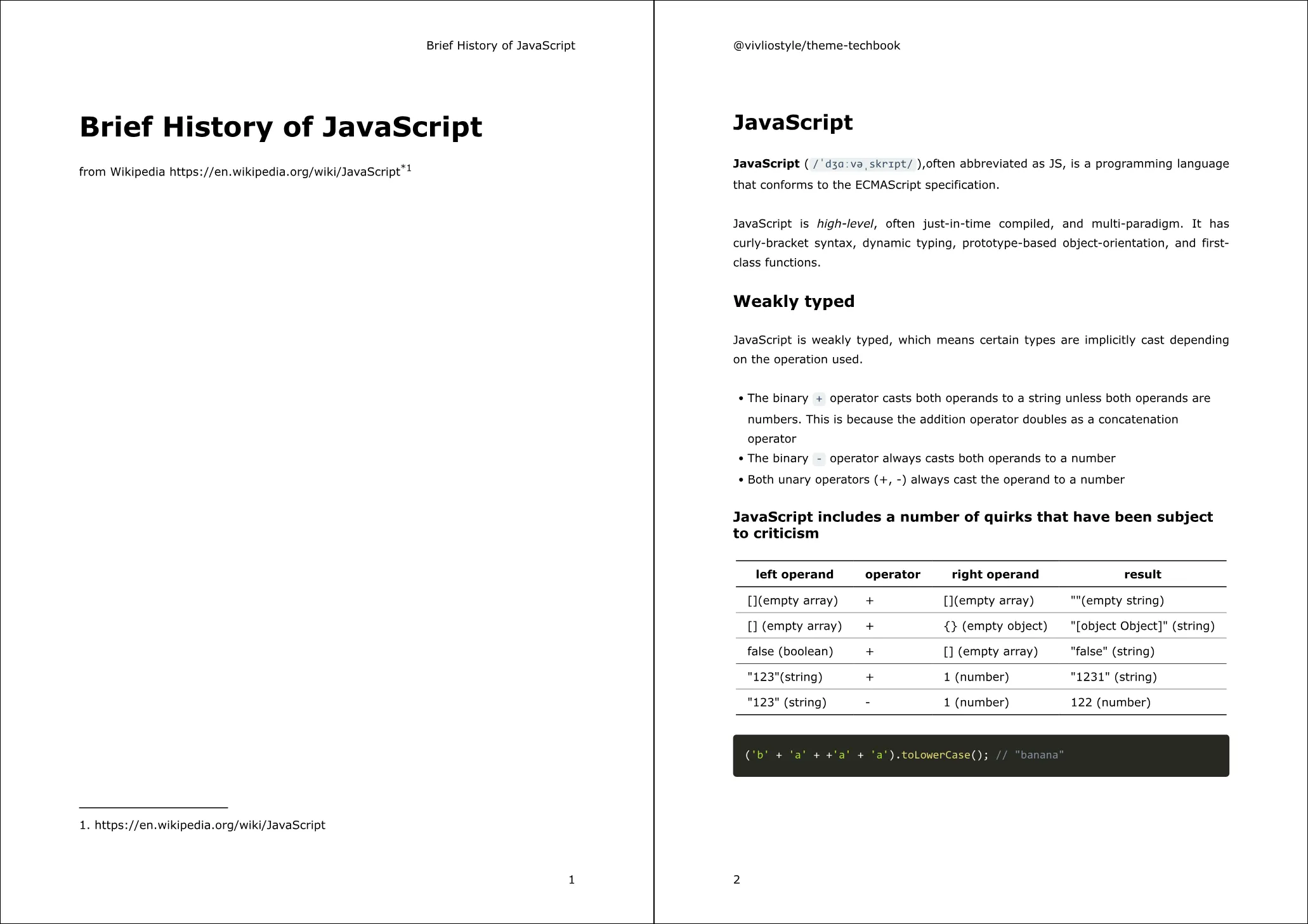
@vivliostyle/theme-techbook
Suitable for technical books. Supports margin adjustment, table of contents, and source code highlighting.
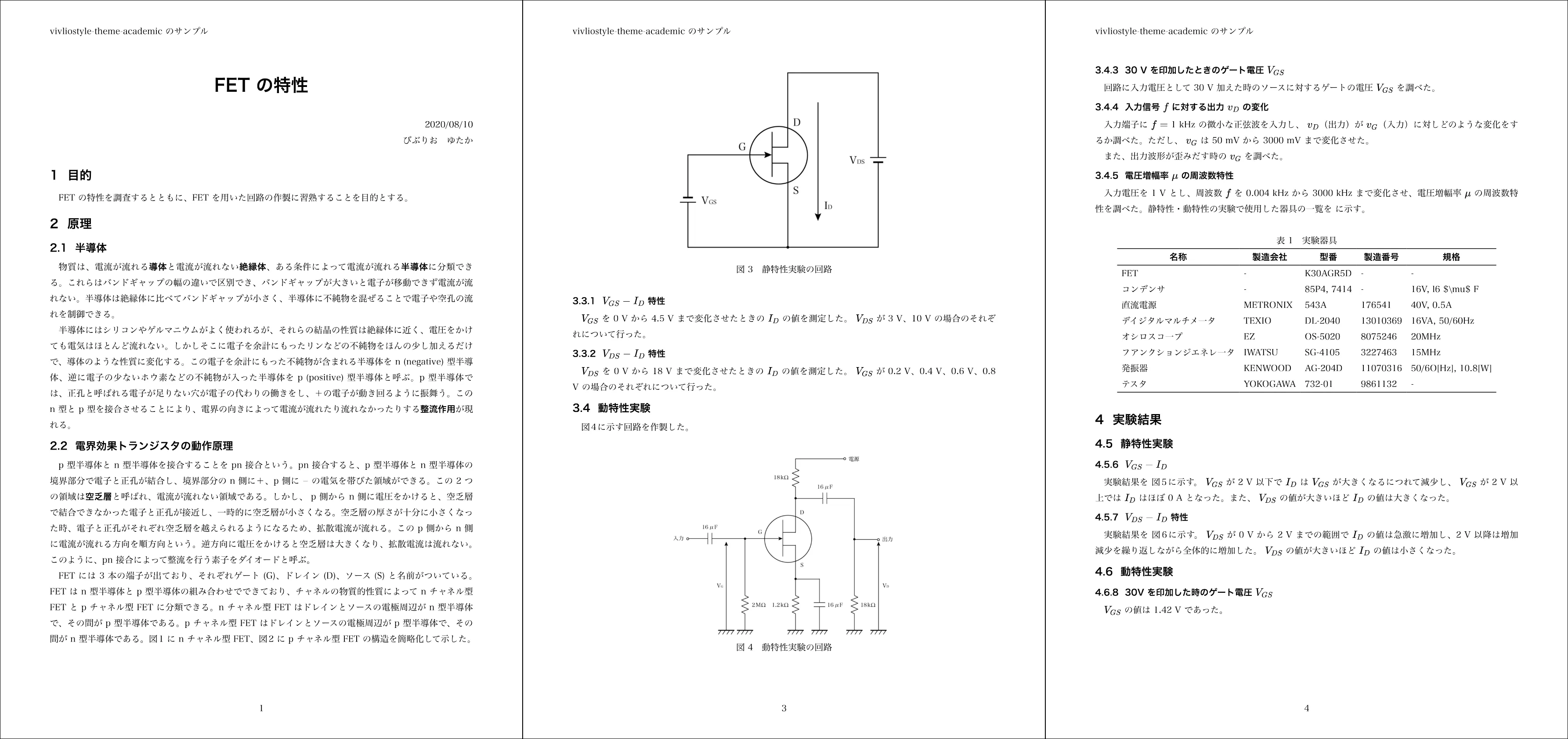
@vivliostyle/theme-academic
Suitable for reports and academic papers. Automatic chapter/section numbering and frame elements (.frame) are supported.
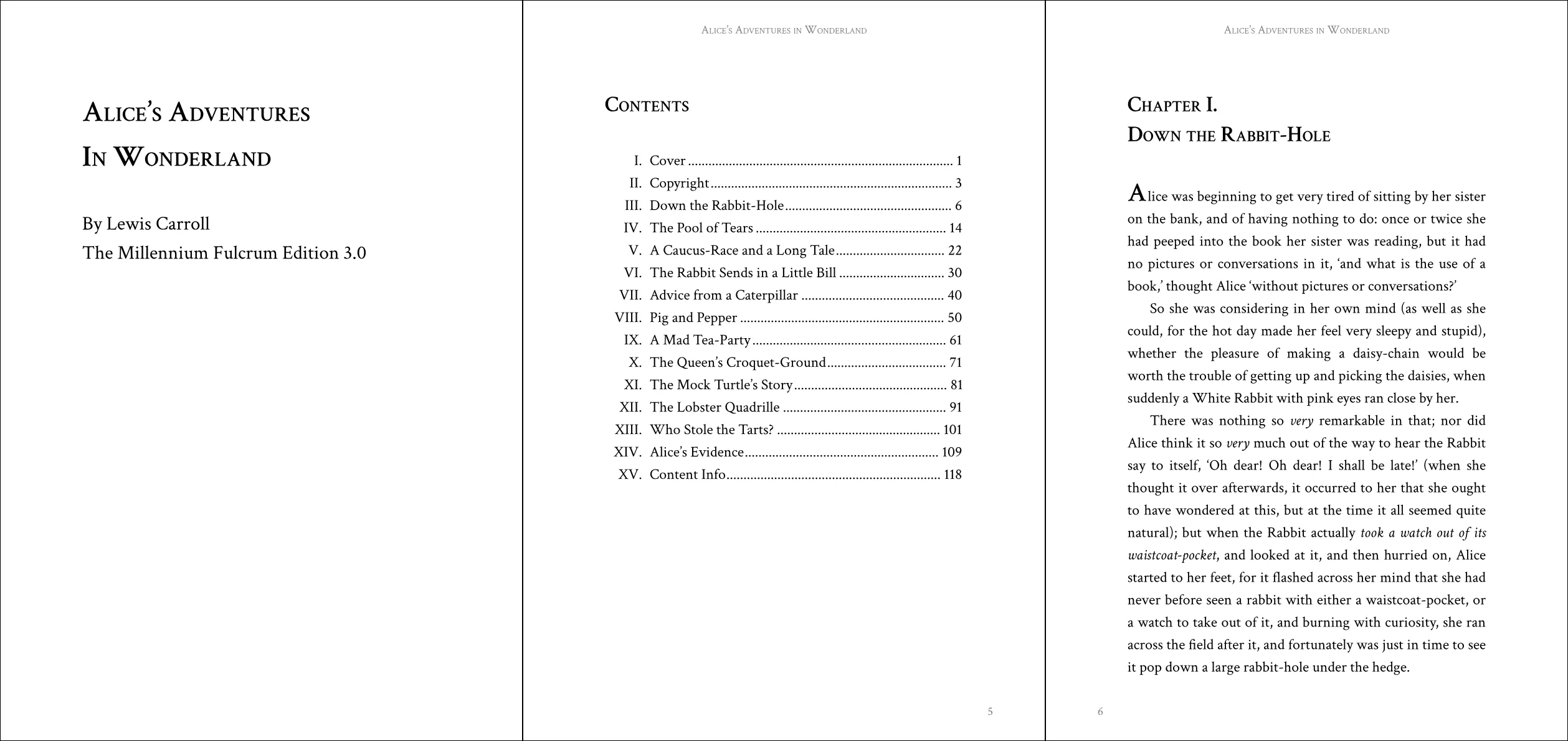
@vivliostyle/theme-gutenberg
Suitable for English books. Three CSS variations available: alice.css, fang.css, sherlock.css.
@vivliostyle/theme-epub3j
Suitable for Japanese EPUB 3 publications. Compatible with the EBPAJ EPUB 3 File Creation Guide.
@vivliostyle/theme-base
The CSS toolkit that serves as the foundation for other themes. Individual modules can be @imported as needed.
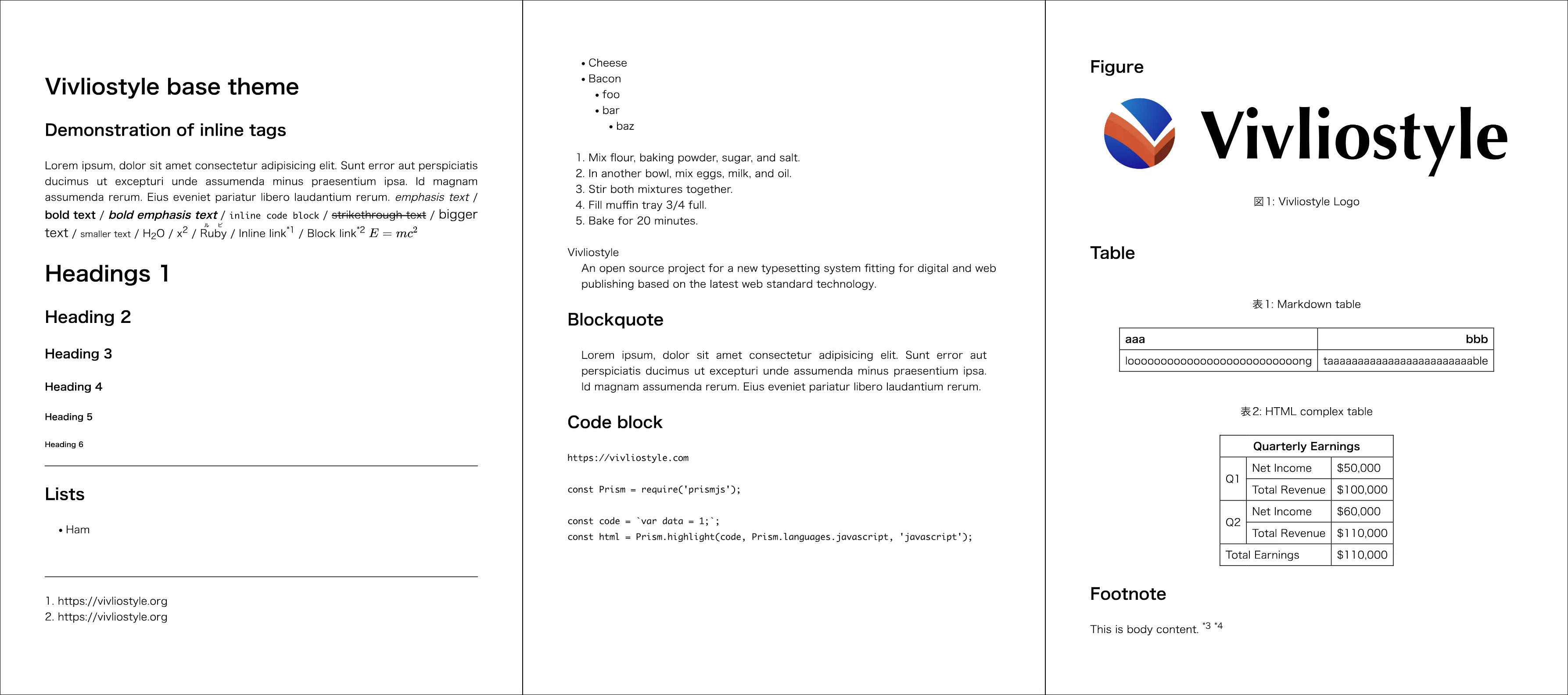
See the Vivliostyle Themes Gallery for more details on each theme.
Using theme-base Directly
@vivliostyle/theme-base is the foundation for other themes. It can also be used as a toolkit for building custom themes.
Package Entry and Modules
The package entry (theme.css) contains only the basic modules: the CSS reset, the variable defaults, and basic styling. Every other module (cross-references, footnotes, page layout, TOC, etc.) is opt-in and imported through its own subpath such as @vivliostyle/theme-base/footnote.
// Using the basic modules
module.exports = {
  theme: '@vivliostyle/theme-base',
};
Available Modules
| Module | Subpath | CSS Variable Prefix |
|---|---|---|
| Basic | (package entry) | --vs-, --vs-- |
| Figures | figure |
--vs-figure-- |
| Tables | table |
--vs-table-- |
| Citations | citation |
--vs-citation-- |
| Code listings | listing |
--vs-listing-- |
| Equations | equation |
--vs-equation-- |
| Theorems | theorem |
--vs-theorem-- |
| Appendices | appendix |
--vs-appendix-- |
| Endnotes | endnote |
--vs-endnote-- |
| Footnotes | footnote |
--vs-footnote-- |
| Footnotes for external links | footnote/external-links |
--vs-footnote-- |
| Page layout | page |
--vs-page-- |
| Section references | section |
--vs-section-- |
| Table of Contents | toc |
--vs-toc-- |
| Math | math |
--vs-math-- |
| Sidenotes | sidenote |
--vs-sidenote-- |
| Prism (Code highlighting) | prism |
--vs-prism-- |
Example of importing individual modules in CSS:
@import '@vivliostyle/theme-base';
@import '@vivliostyle/theme-base/toc';
@import '@vivliostyle/theme-base/footnote';
Importing by package name requires @vivliostyle/theme-base to be installed in your project (npm install @vivliostyle/theme-base). This form is available in Vivliostyle CLI v11.3.0 and later.
For detailed CSS variables of each module, see the theme-base README.